Contents8
When a PWA is enough
Faced with the question “PWA or native app?”, here is how to decide:
Start with an installable web app
If you want users quickly
If the app is mainly for entering and viewing data
If your users come to you through a link (an invitation, an email, a QR code)
Move to the app stores
When people need to find you by searching the App Store or Google Play
When you need phone features that the web covers poorly
When your brand requires it
It is not a final choice: with a single codebase for the web, iPhone and Android, you can do both, in that order. That is the order followed by our app development, which puts an installable version in the hands of your first users before the app stores.
What a PWA is, without jargon
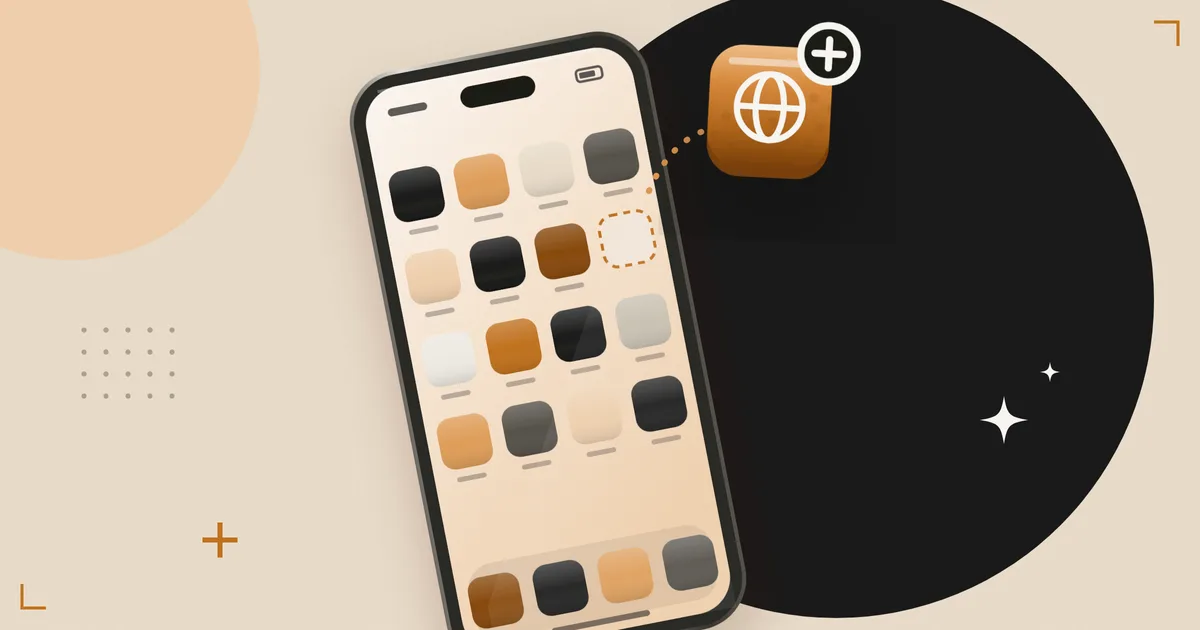
A PWA (progressive web app) is a website that behaves like an app. The web.dev definition, from the developer advice site published by the Chrome team, describes it as a web app built with modern APIs to deliver enhanced capabilities, while reaching any user on any device with a single codebase. Once installed, it launches from the home screen and opens in its own window, without the browser bar.
In practice, the user opens a link, chooses “Add to Home Screen”, and the app is there, with its icon. A native app, by contrast, is installed from the App Store or Google Play, and goes through their review.
What we learned with Challenge Us
Challenge Us, a group challenge app we built, went live first as an installable web app, in the browser; its iOS and Android versions are in preparation. Starting with the web had three advantages.
Speed of getting started. Participants arrive through an invitation link shared in a messaging app. A link that opens the app directly is better than a link that sends you to a store, then an installation, then back to the link.
Instant fixes. A web version updates with every deployment, without waiting for a review. In the first weeks of an app, that is decisive:
- 1 September 2026
Challenge Us is born.
- 2 September 2026
The app is live in the browser.
- 1 October 2026
The app is at version 1.56, with a changelog.
Developer accounts. Publishing on the app stores in a company’s name involves paperwork that takes time. The web app made it possible to be live in the meantime: our company’s developer accounts are planned for November 2026, once the D-U-N-S number has been obtained.
The same code (React Native and Expo) serves iPhone, Android and the browser: moving to the app stores does not mean rebuilding everything.
The real limits of a PWA
On iPhone, installation is manual
On Android, the browser can offer to install the app. On iPhone, the user has to go through the Share menu and then “Add to Home Screen”. So you have to explain it, on screen, at the right moment. We had to write these instructions into the app itself.
Notifications on iPhone require installation
Since iOS and iPadOS 16.4, web apps added to the home screen can receive notifications, according to the WebKit announcement, provided that the permission request follows a user gesture, such as a tap on a button. On iPhone, Apple’s documentation on web notifications provides for them only for these installed apps, not for a page open in Safari. An app whose value rests on notifications must therefore push for installation, or go through the app stores.
Storage is specific to each context
On iPhone, an installed app does not share its session with the browser: someone signed in on Safari finds themselves signed out in the installed app. You need to provide a simple way to get your account back (an email, a recovery code) and give it before installation: on iPhone, Challenge Us shows the recovery code before the instructions, to anyone who has not linked an email.
Discovery
A PWA cannot be found by searching the App Store. If your users need to discover you through that channel, the app stores are not optional.
Certain phone features
Depending on the platform, access to some features (sensors, Bluetooth, background tasks, deep system integrations) is limited or absent on the web. If your app depends on them, check each feature on iPhone and on Android before choosing.
When the app stores are needed
- your customers expect to find your app in the App Store or Google Play;
- the app lives on notifications sent to people who will not necessarily have installed it;
- you need phone features that the web covers poorly;
- your model relies on subscriptions or content sold through the stores themselves, with their in-app purchases.
Watch out
Apple can reject an app that is just a wrapped website
Rule 4.2 of its review guidelines asks for features, content and an interface that elevate the app beyond a repackaged website. Publishing a copy of your website on the App Store is not a strategy.
Our decision grid
| Your situation | Our recommendation |
|---|---|
| Internal tool for your teams | Installable web app, often enough |
| First version to test with real users | Installable web app first, app stores afterwards |
| Users who arrive through a link or an invitation | Installable web app first |
| Consumer app that must be found in the app stores | App stores, possibly preceded by a web version |
| Heavy dependence on phone features | App stores |
Where to start
- List.
Note what the app needs on day one: notifications, phone features, discovery in the app stores.
- Start on the web.
If nothing on that list requires the stores, start with an installable version.
- Prepare the stores.
In parallel, open the developer accounts in the company’s name.
- Publish.
Move to the app stores once usage is validated.
Our app development follows this order, with a single codebase for the web, iPhone and Android. Costing is detailed in our web and mobile apps section, and our article on vibe coding explains what AI changes, and what it does not, when you build an app.
Frequently asked questions
Can a PWA send notifications on iPhone?
Yes, since iOS 16.4, provided it has been added to the home screen: Apple provides for web notifications on iPhone only for installed apps, not for a page open in Safari. The permission request must follow a user gesture, such as a tap on a button. An app that lives on its notifications must therefore guide the installation, or go through the app stores.
Do you need to be on the App Store to be credible?
For a consumer app, often: that is where people look for it, and not being in the stores can surprise them. For an internal tool or a service app for your existing customers, much less so: a link and a simple installation are enough. If the stores are planned, prepare for them early: opening accounts in the company’s name takes time.
Can you move from a PWA to the app stores without redoing everything?
Yes, if the app was built from the start with code shared between the web, iPhone and Android. That is what we do, and it is worth checking before you start, because it determines the cost of an app and what makes it vary.
Does a PWA work offline?
Partly: a service worker can cache the interface and open it without a network, which is how Challenge Us opens, even offline. Its data, however, comes from the server and needs a connection to update. Syncing data entered offline takes extra work, as with a native app.
Sources
- Web.dev definition (new tab)web.dev
- The WebKit announcement (new tab)webkit.org
- Apple’s documentation on web notifications (new tab)developer.apple.com
- Rule 4.2 of its review guidelines (new tab)developer.apple.com
Jim · founder of Brain Plus AI
Also in web and mobile apps

Choose and price6 min
How much an app costs: what makes the price vary
A price range says nothing about your project: what makes an app quote vary is a handful of specific decisions, plus a monthly running cost to be priced separately. Here they are.
Stepping back8 min
Are AI companions dangerous for teenagers?
An American survey indicates that most teenagers have already talked to an AI companion, but its figures come from a campaigning non-profit and call for caution. The design question, though, is a legitimate one, and Europe has already answered it in part.
Stepping back7 min
Should schools ban AI or teach it?
An experiment on nearly a thousand high school students shows that a ChatGPT without guardrails helps during the exercises, then leaves lower marks than for students who never had it. A version designed as a tutor largely limits this effect: the debate is about how the tool is designed.